


This update to BoxMate Live started around 12 months ago, and we have been steadily chipping away at it in the background through what you all now know has been a crazy year.
NEW LOGIN PROCESS SUPPORT ARTICLE – https://support.boxmateapp.co.uk/en/articles/14086896-boxmate-live-access-accounts
It includes 20 to 25 new features, improvements, and fixes, with a particularly big update for customers who use BoxMate Live to run sessions in their gyms.
🔎 Zoom Level
In options, there is now a new option to select the zoom level, which increases compatibility with a range of mini PCs and smart TVs, so you can get the best view/resolution, whatever you are using.
🖥 Screen Real Estate
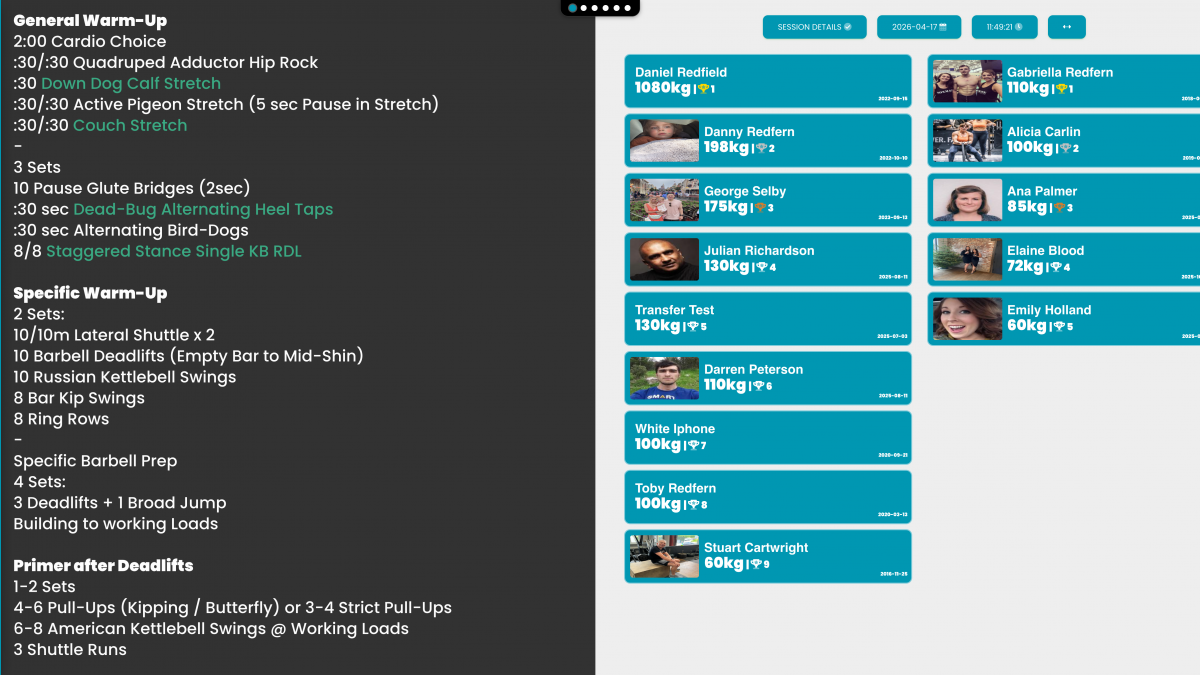
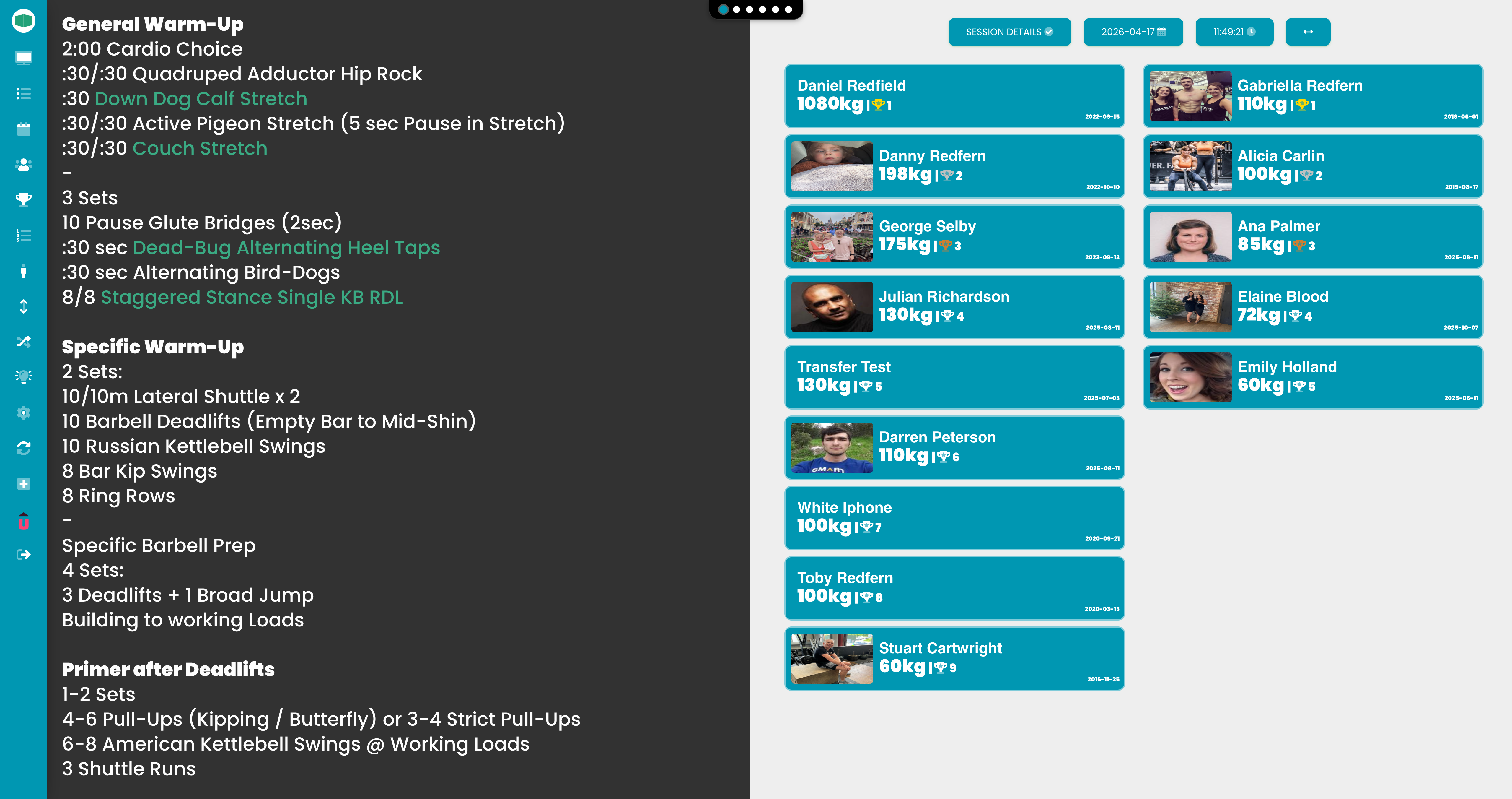
We reviewed every view and removed any unnecessary elements that were not adding value to the display. This has resulted in a much cleaner BoxMate Live experience that is easier for members to see and for coaches to run classes from.
🔤 Auto Text Fill
Because every session and workout contains a different amount of text, this could sometimes require a lot of zooming in and out. We fixed this by adding auto-resize, which fills the available space with the content, including when switching between views.
📊 Column View
When displaying a session or workout in full view, you can now use the search shortcut to split it into two columns. This is perfect for sessions with lots of content that previously required zooming out and scrolling down.
📋 Class Register
We revamped the TeamUp screen to show more content and added full remote control support. You can now navigate up and down through events, then right and left through attendees and individual actions, pressing select to mark attended, no-show, or cancel.
🧩 Component Indicator
Instead of large images and duplicated names for each component taking up lots of space, you will now see a new compact dock showing how many components are in the session and which one you are currently viewing.
🖼 No More Images
We removed all stock and default images from the screen, as these were outdated and often irrelevant for workouts and exercises. In our next update, we will enable the ability to upload custom backgrounds and graphics for BoxMate Live.
🧾 Whiteboard Display
A new option in the sidebar allows the leaderboard to be displayed as a whiteboard instead, which does not rely on the gender set in a member’s profile and groups all scores together.
📱 Portrait Mode
Finally, BoxMate Live can now run in portrait mode, making even better use of screen space for sessions with larger amounts of content.
📺 Smart TV Support
All functionality is now available with an on-screen mouse and no longer requires a keyboard to access certain shortcuts.
🔐 Simplified Login
Instead of logging in with an email and password, a one-time passcode can now be generated from the admin application and the members app, allowing quick access to BoxMate Live.
🏢 Facility Access Account
Each gym can now choose to enable a special facility access account instead of having an actual user logged in to BoxMate Live. This account has no other access to BoxMate or its permissions, making it perfect for staying permanently logged in simply to run sessions.
💾 Configuration Memory
BoxMate Live now stores and remembers settings such as the selected programme, active view, and zoom level, so these settings are reloaded when the computer is turned off and back on.
🔧 Individual Sizing
In session and programme view, where multiple components are visible at the same time, you can now change the text size for each one individually and quickly click to fill for the best possible viewing experience.
🗓 Floating Day View
A new view is now available for floating day programmes, where all sessions for the week are displayed side by side.
🏅 Member Scores
The leaderboard will no longer display members who have been suspended or deleted. This keeps the display focused on your active customers rather than historic members who no longer train.
⏱ Stopwatch
This feature allows you to bring up an on-screen stopwatch for use during workouts. We added a resize option to display it in either a small or large format, along with a 10-second countdown to better replicate in-gym timers.
✨ Minor Improvements
-
We added a new font with clearer text
-
We increased the font size for certain highlighted elements
-
We removed all member input functions to favour app usage
-
We removed coaches’ notes to favour app usage
-
Exercises will now highlight if the following one is a superset
-
The Escape key can now be used consistently to back out of any screen
🐛 Fixes
-
In some cases, the brand colour did not display correctly in either dark or light mode
-
In some cases, percentages displayed the wrong default amount